Talk your way
Send text and images, make one-to-one calls with mute and speaker controls, or hold to speak in walkie-talkie mode. Typing indicators and delivery receipts are optional; receipts do not confirm that a person has read a message.
End-to-end encrypted text, voice and photos. Private conversations and groups of up to 8 people, without registering a phone number or email.
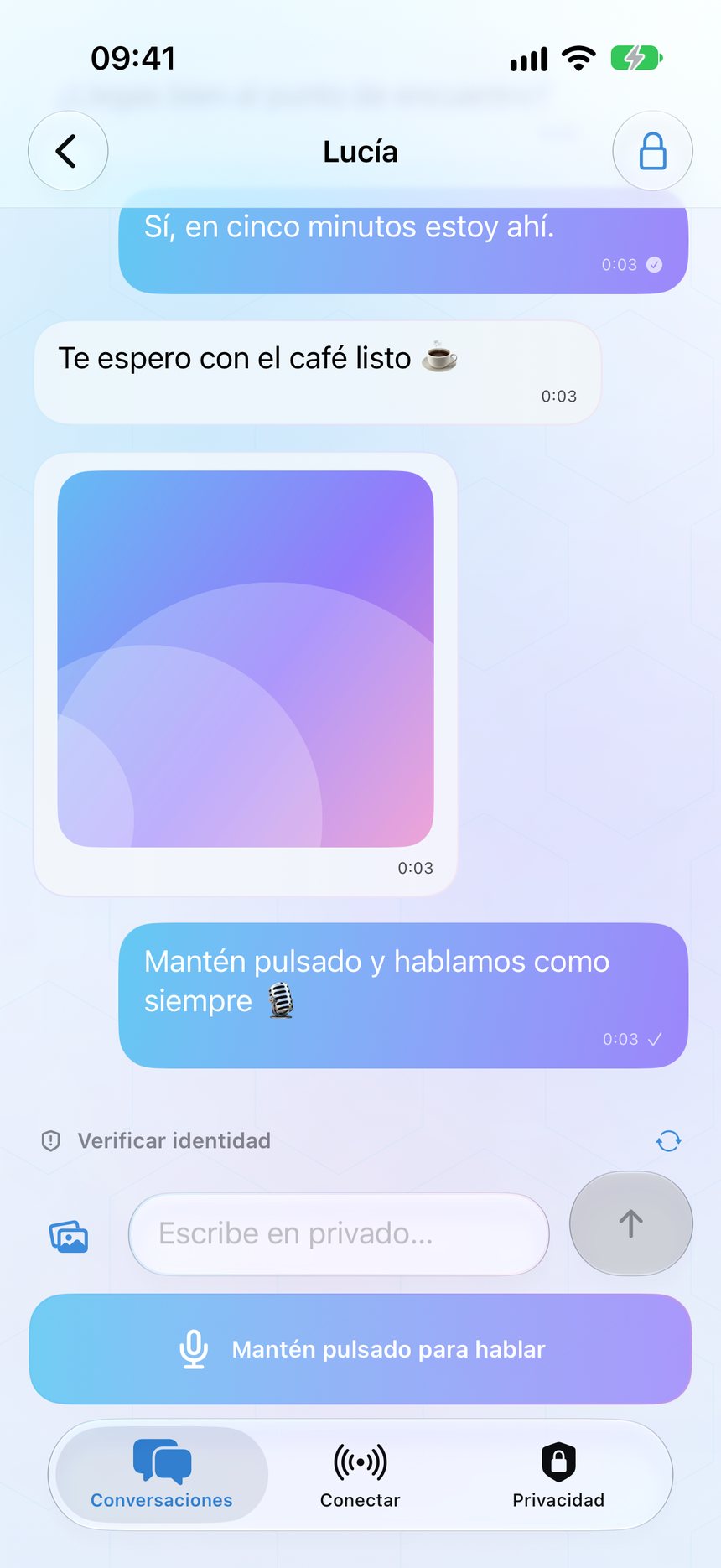
Send text and images, make one-to-one calls with mute and speaker controls, or hold to speak in walkie-talkie mode. Typing indicators and delivery receipts are optional; receipts do not confirm that a person has read a message.
Create text groups of up to 8 people. Joining requires acceptance. The creator manages members and can remove them; you can also leave or delete the group locally. View the roster and compare its membership code. Group photos and group calls are not supported.
Choose local retention: 30 seconds, 1 minute, 5 minutes, 1 hour, 24 hours or until locking. Send view-once photos or photos that expire 10 or 30 seconds after opening. Request removal of your messages from connected devices. Text retention is local and cannot erase copies kept by others.
Open a working calculator and hold = or enter your access combination. Authenticate with Face ID, Touch ID or the device passcode. Strong lock requires biometrics. Moving to the background ends the session and discards chat history. The installed app remains visible as Cryptext.
Set a mathematical combination that immediately deletes your identity and local data controlled by the app, without another confirmation. Emergency erase is also available in Privacy or by holding AC. Erasure rotates your ID, which you will need to share again.
Choose 1, 7, 30 or 90 days since your last unlock. Once the period has expired, erasure runs when the app next launches or becomes active, before granting access. Execution while iOS keeps the app closed or suspended is not guaranteed.
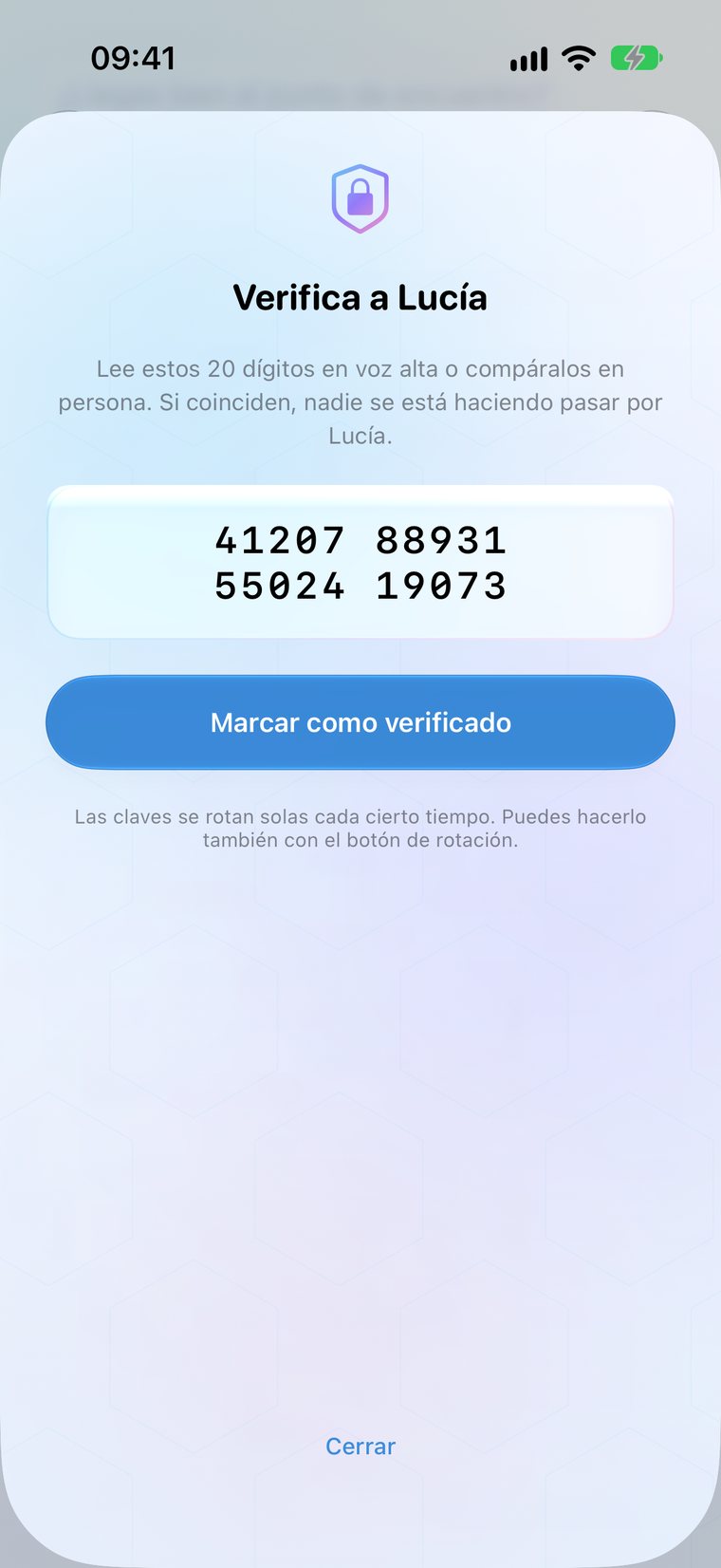
Share your ID through a link or QR code and accept connection requests. Compare each contact’s safety number and mark verified identities. Noise authenticates channels; keys renew automatically and can be rotated manually. Block IDs or prepare an email report to david@deadwood.es, reviewing it before sending. Conversations are not attached automatically.
Connect over the Internet or nearby using Wi-Fi/Bluetooth. Enable generic push invitations to open the app, screenshot alerts and screen recording or mirroring warnings. Choose icons, haptic feedback and language: Spanish, English, French, German, Italian or Portuguese. Layouts adapt to iPhone and iPad.
Share your ID through a link or QR code and accept connection requests. Participants must keep the app open and unlocked.
Participants must keep the app open and unlocked: there is no offline inbox or deferred message delivery. Internet connections use signaling and may relay encrypted traffic; providers can observe metadata. Chat history stays in memory, while local identity and preferences persist. Alerts and disappearing photos cannot prevent screenshots, external cameras or copies made by a modified recipient. Erasure cannot remove others’ copies or guarantee physical overwriting. Experimental version without an independent security audit or post-quantum protection.